
We're sorry, we don't support this operating system
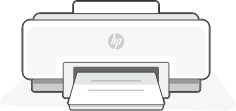



Install HP Smart on a mobile device for the fastest printer setup. Scan the QR code to get started.
HP Smart is also available for Windows and macOS.
